

Auditory wireframing as the operational core of non-visual interface design.
The core claim: Try this: switch on a screen reader, turn your monitor off, and attempt to check out on a site your team shipped last quarter. Most interfaces fall apart within a minute. The reason usually isn’t a missing label. It’s that the interface was never designed to be heard. That is the gap audio-first design closes.
Most interface teams still design for the eye first and patch in accessibility afterward. That order works fine until the interface has to survive being heard rather than seen. At that point spatial groupings, colour cues, and visual hierarchy stop carrying any meaning at all. The fix is not a better accessibility checklist but a different design habit: auditory wireframing, the practice of scripting an interface’s reading order, focus movement, and announcements before a single pixel is placed.
Key takeaways
- Screen reader users experience a one-dimensional stream, not a 2D canvas, so sequence is the only structure that survives.
- ARIA retrofits can close conformance gaps, but they cannot invent relationships the visual design never had.
- Four heuristics replace visual hierarchy: linear predictability, contextual anchoring, verbosity control, and action-outcome transparency.
- An auditory wireframe (reading order, focus path, landmarks, and announcements) should be reviewed before visual polish, not after.
1. The Flaw in Visual-First Architecture
Visual design is, by default, spatial reasoning made concrete. A form groups its fields by proximity. A dashboard signals priority through size and position: the largest number in the top-left corner is the one that matters most. An error state turns a border red and nudges a message a few pixels below the field it refers to. None of this is arbitrary. It is a highly efficient encoding scheme, and sighted users decode it in a glance, largely without conscious effort.
The disconnect appears the moment that encoding scheme is the only one an interface has. A screen reader user does not perceive a 2D canvas with regions and clusters. They perceive a one-dimensional stream: one node, then the next, then the next, exposed through the accessibility tree in whatever order the DOM happens to produce. Grouping by proximity, hierarchy by size, and status by colour all evaporate, because none of those relationships exist anywhere except in pixel coordinates.
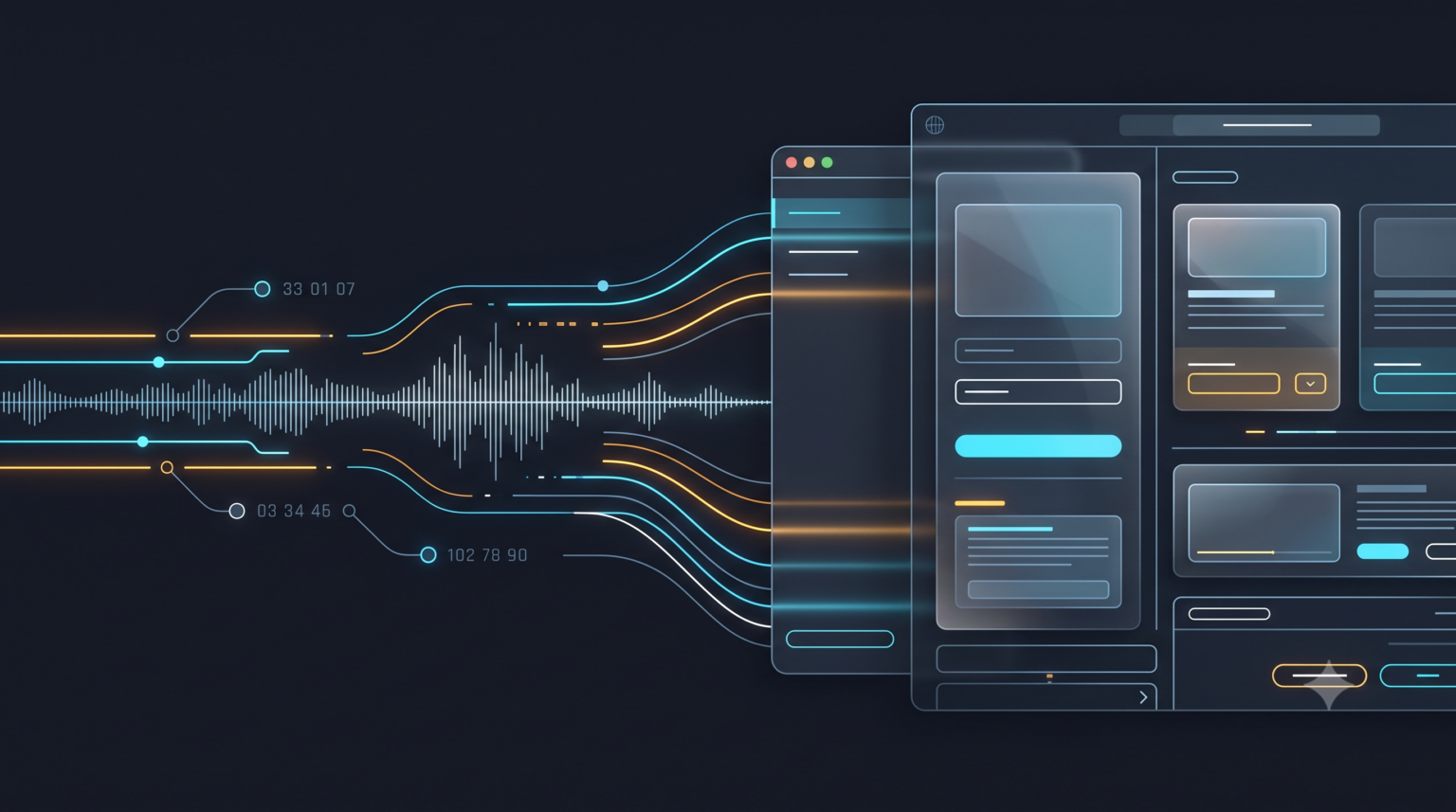
What is left is sequence. If the design was never built with sequence as a first-class concern, the sequence that ships is usually the order in which the components happened to be authored, not the order in which they need to be understood.
Why retrofitting fails
The standard response to this gap is to sign off on the visual design and then send an ARIA pass through it: add roles, wire up aria-live regions, attach labels, patch in a few skip links. This produces interfaces that technically satisfy a conformance checklist while still failing the person using them, for a structural reason rather than an implementation one. ARIA attributes describe relationships that the visual layer already assumed; they cannot invent relationships the layer never had. If a form’s grouping only ever existed as a shared background colour, no aria-describedby wiring recreates the reasoning that colour was standing in for. A screen reader user still has to guess why three unrelated-sounding fields sit next to each other.
Retrofitting also inherits the visual layer’s silences. A visual design communicates a great deal by omission: a spinner simply appears, a validation error simply turns a field red, a filtered list simply redraws with fewer rows. Sighted users fill in the gap because they are watching continuously. A non-visual user is not watching a continuous scene; they are asking for information at a point in time. If nothing announces the change, the change is invisible to them, however many ARIA roles were bolted on afterward. Patching can close conformance gaps, but it cannot manufacture the sequencing and announcement logic that should have existed at the concept stage.
Non-visual usability is not a subset of visual usability with some tags added. It is a distinct information architecture problem, and it needs to be solved before visual sign-off, not after it.
2. Four Core Audio-First Design Heuristics
Working method: If spatial layout can no longer carry the weight of communicating state, grouping, and priority, something else has to. The four heuristics below are that “something else.” They don’t replace WCAG success criteria; they sit upstream of them. Followed as design intent, they tend to satisfy criteria such as 1.3.1 Info and Relationships, 1.3.2 Meaningful Sequence, and 4.1.3 Status Messages as a consequence, rather than as a separate compliance exercise.
Heuristic 1: Linear predictability
Content order must convey relationships without relying on two-dimensional proximity. In a linear medium, order is the only structural tool available, so the reading order has to encode the same relationships that layout encodes visually: what belongs to what, what depends on what, and what comes before what. A label must precede its input. A field’s constraints or format hint must be reachable before the field itself, not announced only after an error. Related controls, such as a quantity stepper and the item it modifies, must be adjacent in the DOM even when a grid layout visually separates them for responsive reasons.
In practice, this asks designers to draw, or at least list, the intended reading order for every screen alongside the visual mock, and to treat any divergence between visual order and DOM order as a defect to justify, not a detail to leave to development.
Heuristic 2: Contextual anchoring
State changes, dynamic updates, and error states must be explicitly announced rather than visually inferred. A sighted user notices a change because they are looking at the screen when it happens. A non-visual user has no ambient awareness of the interface; if a change is not announced through a live region, a focus shift, or a returned status message, it did not happen as far as they are concerned.
Contextual anchoring is the discipline of treating every state transition (loading, success, error, empty, partial) as an announcement event that must be authored, timed, and worded. That includes deciding whether a change should interrupt, like an assertive live region for a failed payment, or wait its turn, like a polite live region for a background save.
Heuristic 3: Cognitive load and verbosity control
Sound is transient and sequential in a way sight is not. A screen reader user cannot scan ahead or hold six things in peripheral vision at once, so every unnecessary word is a real cost, not a stylistic one. This heuristic is about restraint: favouring brevity and semantic precision over completeness for its own sake, and using a genuine landmark hierarchy (banner, navigation, main, complementary, contentinfo) so users can jump between regions instead of tabbing through everything.
Redundant labelling, such as a button whose accessible name repeats its already-announced role and context word for word, adds load without adding information. The test is not “does this describe the control accurately?” but “does this describe the control in the fewest words that remain accurate?”
Heuristic 4: Action-outcome transparency
Users must know what a control will do before they activate it, and receive immediate, unambiguous confirmation afterward. Visually, this is often implicit: a button’s icon, position, and surroundings all hint at its effect. Non-visually, the accessible name is frequently the only signal available, so vague labels like “Submit” or “Continue” become genuinely ambiguous in a linear flow.
After activation, the outcome must come back through the same channel the action came from: a focus move to a confirmation message, a live-region announcement of the result, or a state change announced under contextual anchoring. A control that acts silently, even correctly, has failed this heuristic.
3. Auditory Wireframing in Practice
The four heuristics describe what a non-visual experience needs. The auditory wireframe is the artifact that proves, before development, whether a design actually delivers it. It is a companion to the visual mock, not a replacement, and it specifies screen by screen the reading order, the focus path, the landmark boundaries, and every live announcement a screen reader would produce. It is reviewed the same way a visual mock is: read aloud, or run through a screen reader on a throwaway prototype, before development begins. Sequencing problems then surface as a design conversation instead of a bug report.
Worked example: a multi-step checkout
Consider a common and deceptively complex flow: a three-step checkout (shipping, payment, review) with inline validation and a dynamically updating order total. The visual mock shows a two-column layout, with the form on the left, an order summary that updates live on the right, and a progress indicator across the top.

Visually, this is unremarkable. Non-visually, it contains at least four decisions the visual mock does not make: whether the progress indicator or the form comes first in reading order; whether the live-updating total should interrupt the user while they type; how a validation error is tied back to its field; and what happens to focus when a step is completed. The table sets the mock’s implicit behaviour against the explicit auditory wireframe a team would need to author.
| Interaction point | Visual mock (implicit) | Auditory wireframe (explicit) |
|---|---|---|
| Step indicator | A three-dot progress bar sits above the form; colour and position show the active step at a glance. | Reading order places a text landmark before the form: “Step 2 of 3: Payment.” It is announced again, through a polite live region, only when the step actually changes, not on every re-render. |
| Order total | The right-column summary re-renders instantly whenever quantity or shipping method changes; the sighted eye catches the flicker. | The total lives in a polite live region, debounced about 500 ms after the last input change, so it does not interrupt active typing. Wording is fixed: “Updated total: [amount].” It is never re-announced on unrelated re-renders. |
| Field validation | The invalid field gets a red border and a message appears beneath it; proximity implies the link between them. | Error text is tied to the field with aria-describedby and announced in an assertive region on submit. Focus moves to the first invalid field in DOM order, not visual order. |
| Field order | A two-column responsive grid places card number and expiry side by side to save vertical space. | Reading order is linear regardless of visual columns: card number, expiry, CVV, in the order they are logically completed, not the order the grid happens to place them on screen. |
| Step completion | The “Continue” button fades out; the next step’s form fades in below the fold, ready to scroll to. | On advance, focus moves to the new step’s heading. An announcement precedes it: “Payment saved. Step 3 of 3: Review.” Nothing relies on the user noticing a change in scroll position. |
None of the right-hand column requires abandoning the visual design. The two-column card form, the live total, and the fading transition can all stay exactly as designed. What changes is that every visual decision now has an explicit, authored non-visual counterpart, decided by a designer with intent rather than improvised by a developer weeks later against whatever the DOM happened to produce.
Auditory wireframes do not need dedicated tooling. A simple annotated script (numbered reading order, live-region wording, and focus-target notes attached to the existing Figma frame) is enough to review before development starts.
4. A Designer–Tester Collaboration Playbook
The cadence, in one line: Auditory wireframing only changes outcomes if it is embedded in the handoff process, not treated as an optional artifact a motivated designer produces occasionally. Two practices make it durable.
Document auditory cues at Figma handoff
The auditory wireframe should travel with the visual file, not live in a separate document that gets forgotten. In practice this means:
- A numbered reading-order overlay on each frame, distinct from the visual z-order, so developers see sequence and layout side by side.
- A live-region annotation layer: for every dynamic element, a note specifying polite or assertive, its exact announced wording, and the event that triggers it.
- A focus-management note on every control that changes context (opens a modal, submits a step, deletes a row), naming exactly where focus lands afterward rather than leaving it to “default browser behaviour.”
- Landmark labels applied directly on frames (banner, navigation, main, complementary), so the intended structure is visible before a single component is built.
The goal is that a developer implementing the screen never has to decide non-visual behaviour on their own. Every decision that would otherwise be an implementation guess has already been made and documented at the design stage.
Make auditory review the baseline, not the afterthought
The sequencing that matters most is procedural: auditory review should happen before high-fidelity visual polish, not after. When a screen reader pass is the last gate before ship, findings arrive too late to change sequencing cheaply. Layout is already frozen, and “fixes” become exactly the ARIA patches described in section 1. Moving auditory review onto wireframes or low-fidelity prototypes catches sequencing and announcement problems while they still cost a text edit, not a rebuild.
A workable cadence:
- Draft: write the auditory wireframe alongside the low-fidelity mock and review it with a screen reader tester before visual design begins in earnest.
- Confirm: run a second, shorter review against the built-but-unstyled prototype to check the DOM matches what was scripted.
- Check: do a final pass after launch as a health check rather than a discovery exercise.
Under this cadence, the accessibility tester is not the last line of defence catching what visual design missed. They are a collaborator confirming that a plan made jointly with design was implemented as agreed.
Script the sound of the interface before you finalize the look of it. Then let the visual design fill in a structure that already works without it.
Conclusion
Visual-first architecture is not wrong so much as incomplete: it solves for one sensory channel and assumes the rest can be reconciled afterward. That assumption produces interfaces that pass an automated accessibility scan and still fail the person using a screen reader to buy something, file something, or read something.
Auditory wireframing closes that gap not by adding more accessibility work at the end, but by moving a set of decisions (reading order, announcements, focus management, verbosity) to the point in the process where they are cheapest to get right: before the visual design is finished. Teams that adopt these four heuristics are not building two interfaces, a visual one and an audio one. They are building one interface whose structure holds together regardless of which sense it is experienced through.
Further reading
- What Is Digital Accessibility? A Practical Guide to WCAG, POUR and Testing
- The Promising Future of Web Accessibility: Trends, Challenges, and How Professionals Can Prepare for 2035
- W3C ARIA Authoring Practices: Landmark Regions



Pingback: Future of Web Accessibility: Trends to Prepare for by 2035
Pingback: How AI Is Transforming Industries: 7 Real-World Applications
Pingback: Accessibility: Building an Inclusive Future for All
Pingback: Skip Links Guide: How to Build and Test Them (WCAG 2.2)